
Table of Contents
We shared in the past a collection of amazing tips from people in our network on how to run your business during the holidays. We love how everyone talked about different things!
But really, organization is one of the keys in all aspects. So, let’s talk a bit more about things you can set in place before the holidays, so that you can relax and enjoy instead.
1. Scheduling
You can schedule everything out days or weeks ahead of time. That way, your website and social media accounts can continue serving fresh content, while you are away from your computer and phone.
If you have a blog, you can schedule a post by changing the date to publish your post. Then schedule your social media posts to go out when the blog post goes live!
For social media, we currently use Meta for Facebook and Instagram scheduling, and use LinkedIn and Pinterest’s native schedulers.
And of course, you can schedule your newsletter with any email marketing platform.
If you have the time to batch create the content, you can schedule your whole month ahead of time and don’t have to worry about it until the new year!
2. Emails
Set an auto-responder for your inbox telling people when you will be “back in the office”. You don’t have to explain details to anyone, so don’t feel pressured to do that.
If you run any contact forms on your business that trigger automations that are time sensitive or require your input at any time, make sure to tweak those automations, letting people know you are currently out of the office. If the automation does not require your input, you can still mention something like “the procedure will go on as planned, but I’m unavailable for a few days, so, if you have further questions, I will be back on this date”.
You can even make a cute Holidays card or write a nice greetings to go along with those messages, you know, cheer it up a bit!
3. Clients / Leads
Always notify on-going clients that you will take a leave, and don’t assume that because it’s the holidays, they will be taking the day off too. Let them know some weeks ahead of time if possible, so that if there’s anything they need to wrap up, you can make sure to get it done. Don’t give them your personal phone number for emergencies. Just make sure that the project is at a good stop before you take off, and inform them well ahead of time so that proper measures are taken by both of you.
For people offering services, it’s a good idea to add a notice on top of contact forms, telling potential clients that even though you usually reply within XX hours, offices are closed until XX / XX, and you will resume work then. If you use a client relation manager like Dubsado, you can just add an email to your workflow sent to new leads wishing them happy holidays, and telling them when they can expect back from you.
Or it may not even be necessary, because depending on your services, your workflow might do all the work for you; for example, if the goal is to set an appointments, the workflow you set up can walk your client through the forms and questions you need from them, and then lead them to a scheduler for when you will actually meet with them—just make sure you update your calendar with your out of office days, so that anyone booking can’t book while you’re unavailable.
For people offering products, well, the nice thing about online stores is that they can run a lot of it themselves! But make sure to add a banner notifying customers that because of the holidays, there will be delays in shipping and/or that customer support is closed until XX / XX.
Update your FAQ Page with questions relevant to issues your clients or prospect clients could come up with, and you can link to that FAQ Page in all those spots where you are telling people that you are offline. You can even link to it on your emails.
4. Pause Distractions
Maybe things will not go perfect (they never do!) but don’t worry about it. If you receive an angry email from a client in the middle of Christmas dinner at your in-laws, there’s not much you can do about it. So, instead of stressing out because of an issue you can’t do anything about, avoid that situation. Be intentional about the time you’re spending with loved ones (even if it’s just yourself!). Pause your inbox during special events where you don’t want the distractions.
Boomerang for Gmail can pause your inbox whenever you need it to, and you can resume it whenever you want to. (Aside of a lot of other awesome things it can do for you!)
If you think Instagram or Facebook will be distractions, delete the apps from your phone. For a few hours, a day, or even the whole week, depending on what you need. Holiday season is a great time for social media cleansing anyways!
Even better idea: get a cute basket for everyone to throw in their cellphones. First one to take theirs out has to do the dishes!
So, enjoy the days off, enjoy the Holiday season, enjoy the people you will be spending time with. After all, didn’t we sail on this self-entrepreneur ship so we could control our life / work balance better?
Just make sure to prepare your business to run as smooth as possible while you’re away, so that you can rock at being our own boss. There will be plenty of time to reply to emails and work on projects once the holidays are over. And if someone is mad at you because you didn’t reply to them during the holidays, well, you don’t need that kind of negativity in your life, don’t worry about it.
Need some help organizing yourself?
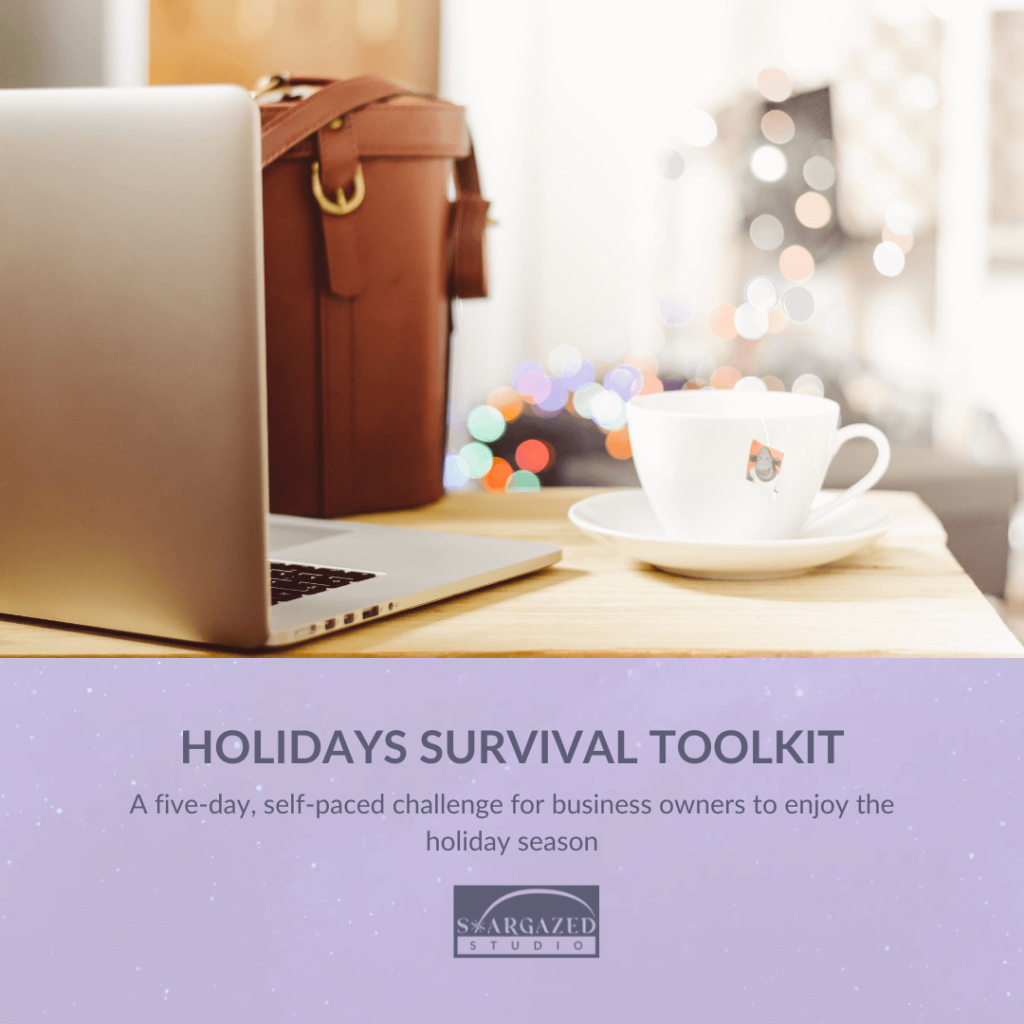
The Holidays Survival Toolkit was designed to help you balance your personal life and work, and make the best out of the holiday season. It will help you organize your tasks, set up ways to receive support, write down your plans AND put a system in place to actually follow through. Grab a friend and take it together, so you can also keep each other accountable!
Regardless of what you decide to do this season, we just hope you make the best out of it! We’ve had some years behind us, and we deserve celebrating life. Enjoy the holidays!


